How to Compare Two Xactimate Estimates Side by Side
It is common for more than one Xactimate Estimate to exist during a property insurance claim.
You may have:
An estimate prepared by your insurance carrier
A Contractor’s estimate
An estimate prepared by licensed public adjusters
A revised or supplemented version of an earlier file
When two estimates show different totals, the natural question is:
Which one is correct?
The answer is rarely about the software. Xactimate is simply a pricing tool. Differences usually come from scope, measurements, assumptions, or coverage interpretation.
This guide explains how to compare two Xactimate estimates in a clear, organized way.
Step 1: Confirm You Are Comparing the Same Version
Before diving into line items, confirm:
Are both estimates based on the same date of pricing?
Are both using the same geographic price list?
Is one labeled as a “supplement” or “revision”?
Xactimate pricing updates monthly. If one file uses a different price list or date, totals may vary even if scope is identical.
Step 2: Compare the Sketches First
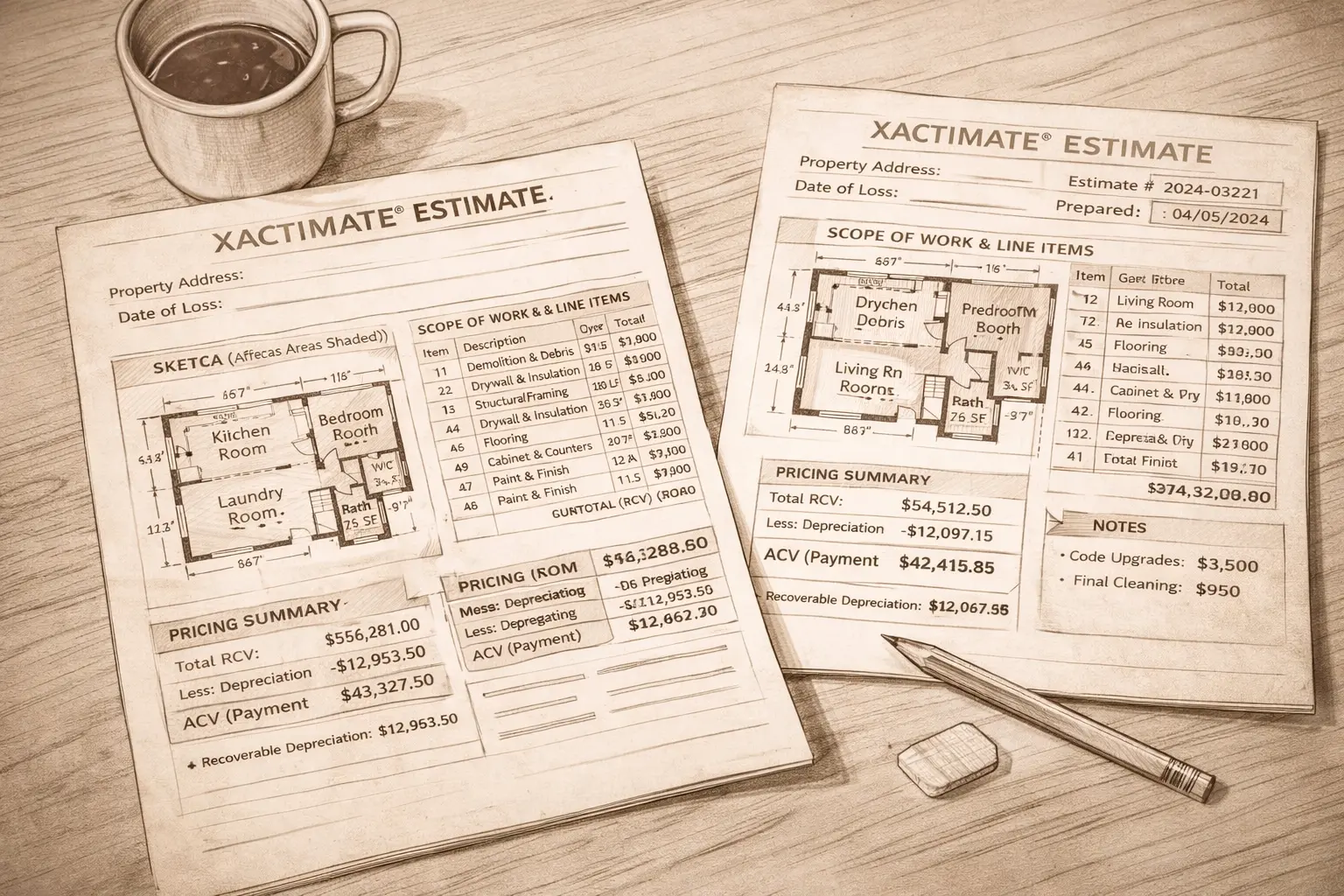
Start with the 2D drawings.
Look at:
Total square footage
Room dimensions
Ceiling heights
Number of rooms included
Exterior elevations
If the sketches differ, everything downstream will differ.
Small measurement changes can create significant dollar differences in Drywall, paint, flooring, and Trim quantities.
If one estimate includes rooms or elevations the other does not, that is your first major variance.
Step 3: Compare Scope by Room
Instead of comparing totals at the bottom of the page, compare room by room.
For each space, ask:
Are the same tasks listed?
Is Demolition included in both?
Is painting included in both?
Are baseboards, trim, and finishes addressed?
Are detach and reset items included?
Often one estimate includes more complete scope detail, while the other assumes partial repairs.
Step 4: Look for Missing Line Items
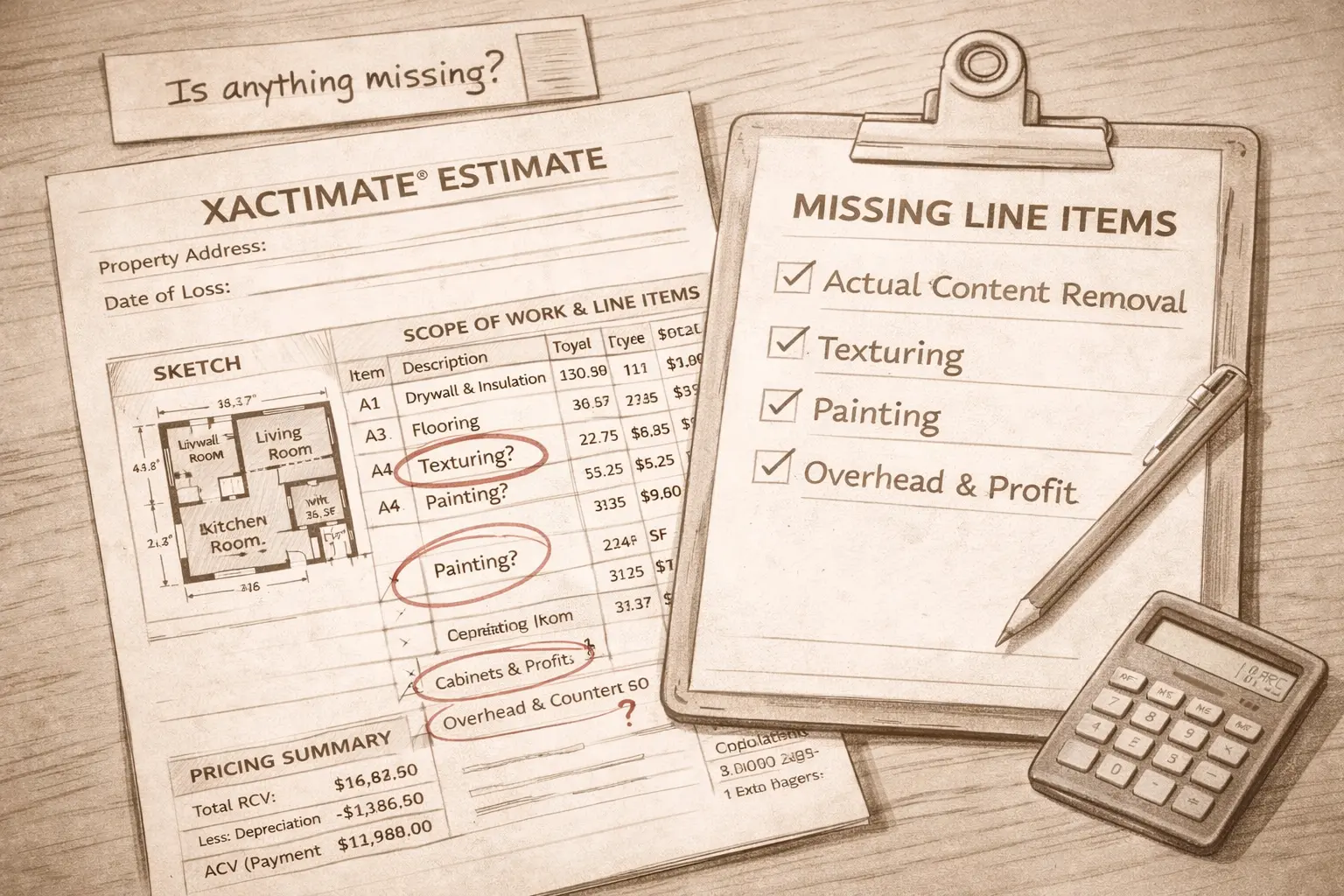
Create a simple checklist.
Commonly omitted items include:
Protection of undamaged areas
Debris hauling
Temporary repairs
Cleaning or deodorization
HVAC cleaning
Final Construction Cleaning
Permit fees
If an item is not listed as a line item, it is not being paid.
Step 5: Compare Material Assumptions
Two estimates may list the same task but assume different material quality.
For example:
One estimate may price Laminate Flooring
The other may price engineered Hardwood
One may price standard cabinets
The other may price custom cabinetry
Check the line item codes and descriptions carefully. The material selection drives the price.
Step 6: Review Overhead and Profit
If multiple trades are required, a general contractor is often necessary.
Confirm:
Is Overhead and Profit included in both estimates?
Is it applied consistently across trades?
If it appears in one file but not the other, that alone may explain a meaningful difference.
Step 7: Compare Depreciation
Look at:
Depreciation percentage
Age and useful life assumptions
Total depreciation amount
Recoverable versus non recoverable depreciation
Two estimates may have identical replacement cost values but very different actual cash value payments because of depreciation differences.
Step 8: Review Code Upgrade and Ordinance Items
Building Code requirements may require upgrades.
Confirm:
Are code driven upgrades addressed?
Is Ordinance and Law coverage being applied?
One estimate may reflect current code requirements while another assumes simple replacement.
Step 9: Evaluate the Total Structure, Not Just the Bottom Line
A higher estimate is not automatically correct.
A lower estimate is not automatically incomplete.
Instead, ask:
Does the scope accurately reflect what is needed to restore the property to its pre loss condition?
Are measurements accurate?
Are materials consistent with what existed?
Are all necessary tasks accounted for?
Clarity beats emotion when comparing estimates.
Common Reasons Estimates Differ
When we review side by side comparisons, most differences fall into a few categories:
Measurement discrepancies
Missing line items
Material quality assumptions
Omitted contractor overhead and profit
Code upgrade considerations
Depreciation variations
Demand Surge pricing adjustments
Understanding which category the difference falls into helps guide next steps.
How to Document the Differences
When comparing two files, it can be helpful to create a simple table:
Room | Item | Estimate A | Estimate B | Difference |
|---|
Organizing the differences clearly makes conversations more productive and less emotional.
Wrap Up
Two Xactimate estimates can look very similar on the surface but produce very different outcomes.
The key is not the total at the bottom of the page.
It is the structure of the scope, the accuracy of the measurements, and the assumptions behind each line item.
Taking the time to compare them methodically can prevent funding gaps later in the rebuild process.